
Technical blog
3D scanning, reverse engineering and manufacturing
Articles on 3D scanning, Scan-to-CAD, inspection, 3D printing and engineering software.
 Automotive Reverse Engineering: How Geomagic Design X Turns Components into CAD ModelsGeomagic Design X modeling brings speed to automotive reverse engineering by easily converting physical parts into accurate digital models.Read article
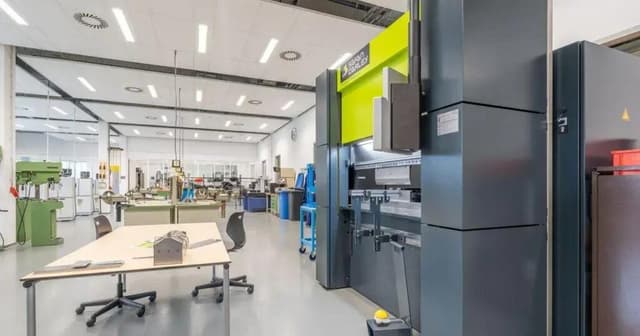 Auto Surfacing in Geomagic Design X: When and How to Use ItGeomagic Design X modeling helps optimize your workflow with Auto Surfacing; find out when to use this technique and how to get the most out of it.Read article
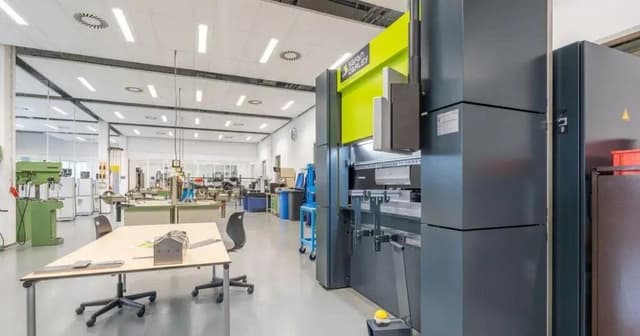 Geomagic Design X + SOLIDWORKS: How the Scan-to-CAD Integration WorksGeomagic Design X modeling revolutionizes engineering with direct integration with SOLIDWORKS to turn scans into CAD.Read article
 How to Convert STL and 3D Mesh into a Parametric CAD Model with Geomagic Design XGeomagic Design X modeling turns STL files and 3D meshes into parametric CAD models with accuracy and speed.Read article
 Reverse Engineering with Geomagic Design X: From 3D Scan to CAD ModelGeomagic Design X modeling reveals how to turn 3D scans into accurate CAD models with impressive results.Read article
 Scan-to-CAD: How to Turn a 3D Scan into an Editable CAD ModelGeomagic Design X modeling simplifies turning 3D scans into editable CAD models. Find out how to optimize your process with this technique.Read article
 Geomagic Design X: What It Is, What It Is For, and How It Works in Reverse EngineeringLearn everything about Geomagic Design X modeling, an essential tool in reverse engineering for precise and efficient results.Read article
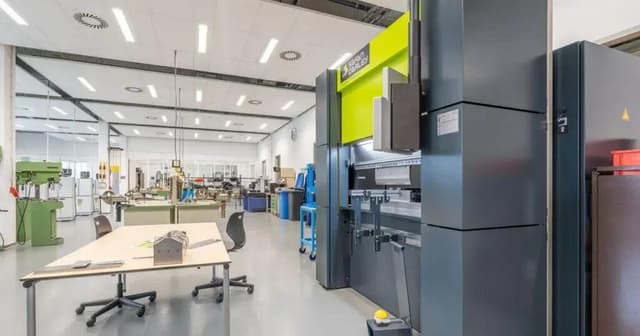 Point Cloud, Mesh, and CAD: What Is the Difference in 3D Reverse Engineering?Geomagic Design X modeling unravels the differences between point cloud, mesh, and CAD in 3D reverse engineering. Understand it clearly and practically.Read article
 Reverse Engineering Worn or Broken Parts: How to Rebuild the Original ModelGeomagic Design X modeling is essential for recovering worn or broken parts, bringing precision and savings to reverse engineering.Read article
 How to Reverse Engineer Parts Without a Technical Drawing or CAD FileGeomagic Design X modeling helps rebuild parts without a technical drawing or CAD file, simplifying complex projects and speeding up results.Read article
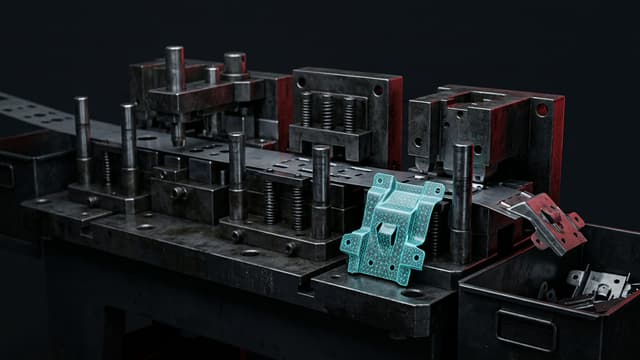 Forming Suite: what it is and when a stamping shop needs itForming Suite is quoting and simulation software for stamped parts. See its functions, how it reduces material cost, and when to use Simufact.Read article
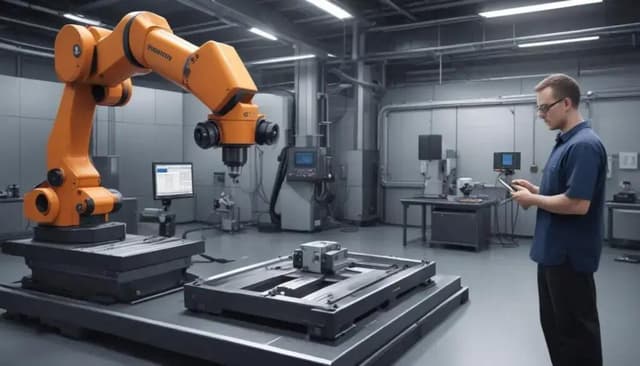 3D metrology: what it is and why your company needs it3D metrology simplifies precision in industrial processes and brings innovation to your company. Find out why adopting this technology makes a difference.Read article