
Hexagon (MSC Software)
Simufact Forming
Forging, stamping, and rolling simulation to validate the process before machining the tool.
Simufact Forming is metal forming simulation software: hot and cold forging, sheet metal, and rolling. Using the finite element method, it shows how the material flows and what load the process requires, before the steel is machined. Technosim resells, implements, and trains your team in Brazil.
Highlights
Digital try-out
You test the process on the computer before the try-out on the press. Less tool rework and fewer delayed batches.
Volumetric mesh
A solid, not a zero-thickness shell: stresses are evaluated across the entire thickness.
Thermal and mechanical together
Temperature and deformation calculated together, which matters in hot forging.
Pre- and post-processing on the same platform
Prepare the model and read results in the same environment, with manufacturing terminology.
Inserts before the steel
You simulate inserts and decide what needs to be made in tool steel.
Process loads in plain sight
The results show the loads and help justify the design to the customer.
Simufact Forming: what it is and what it simulates
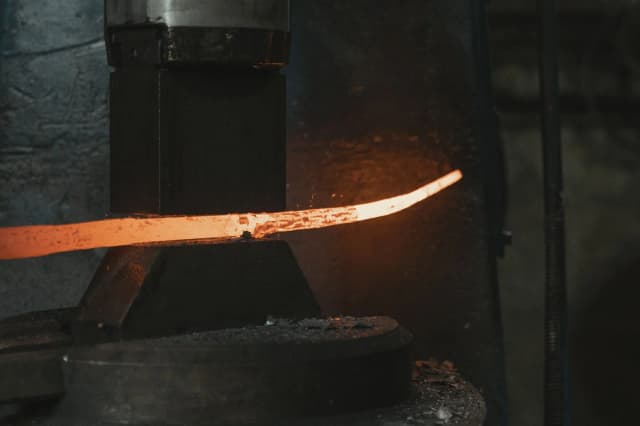
Simufact Forming is software for simulating metal forming processes. It covers hot and cold forging, sheet metal forming, and rolling, with thermal and mechanical calculation. The same product line includes Simufact Welding, for welding.
You describe the part, the tool, the material, the friction, the temperature, and the equipment. The software calculates how the metal flows, whether the cavity fills, where laps or wrinkles appear, and what force the process requires. In forging, the focus is on fill, laps, and load. In sheet metal, wrinkles and tears. In rolling, the deformation between the rolls.
The defect shows up in the simulation file, not in the machined tool. If today you validate geometry in long try-outs, the software replaces part of that step.
Who it is for: forging shops, stamping shops, and toolrooms
Simufact Forming serves forging shops, stamping shops, toolrooms, and forming service providers that depend on expensive tooling. The pain is well known: the tool is ready, the part comes out with a fill defect or a lap, and the fix goes back to the bench. Each round trip consumes steel, machine hours, and delivery time.
The software lets you evaluate the complete process before machining and see the loads acting during forming. Tool geometry and sequence are corrected at the design stage.
It also serves those who sell process, not just parts: simulation results show the customer why the tool was designed this way. For the buyer, it means reaching machining with validated geometry and fewer physical correction cycles.
How metal forming simulation works
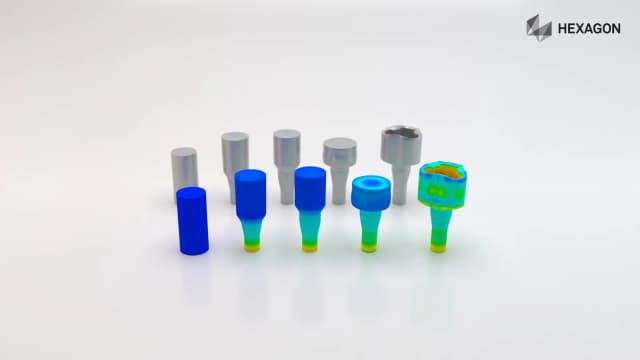
The workflow has three steps. In pre-processing, you import the geometry and define the material, initial temperature, friction, tools, equipment movement, and process steps. In calculation, the solver resolves deformation and temperature over time. In post-processing, you read stress, strain, temperature, and force fields.
Pre- and post-processing are on the same platform, with manufacturing process terminology. Process engineers become familiar with it without having to become finite element specialists.
The software does not treat the mesh as a zero-thickness surface. It uses a volumetric triangle mesh, that is, a solid, and evaluates stresses across the entire thickness of the material. In forgings and sheet metal, this distribution defines where the material cracks or wrinkles. For you, simulation becomes design data.
Hot and cold forging simulation: fill, laps, and load
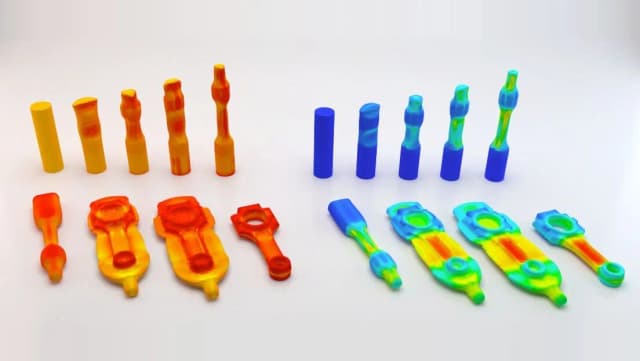
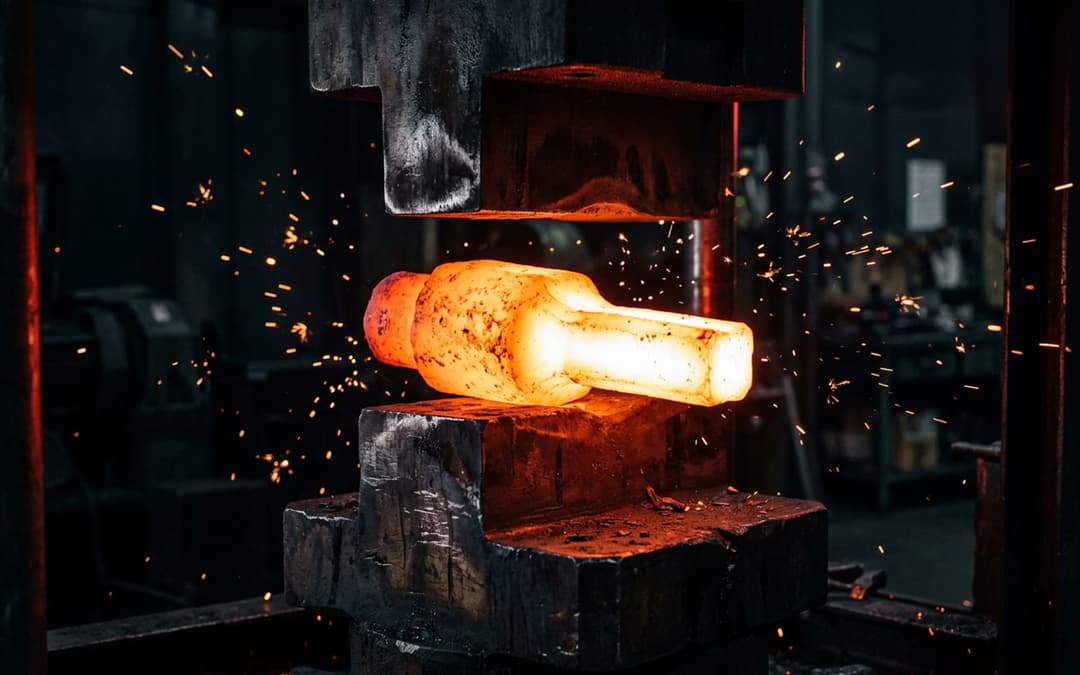
In hot forging, temperature decides almost everything. The heated part flows with less force, but cools when it touches the die, and this gradient changes the fill. That is why the calculation is thermal and mechanical.
You check whether the cavity fills completely, where the material folds over itself, and what load the press needs to deliver. You also compare preforms and blow sequences without wasting billets.
In cold forging, the interest lies in the load and in wear on dies and punches. Knowing the load helps size the tool and choose the equipment. These are general finite element simulation concepts; Technosim confirms which results the module and the license for your case deliver. For you, it avoids choosing a press or die in the dark.
Real limits of simulation
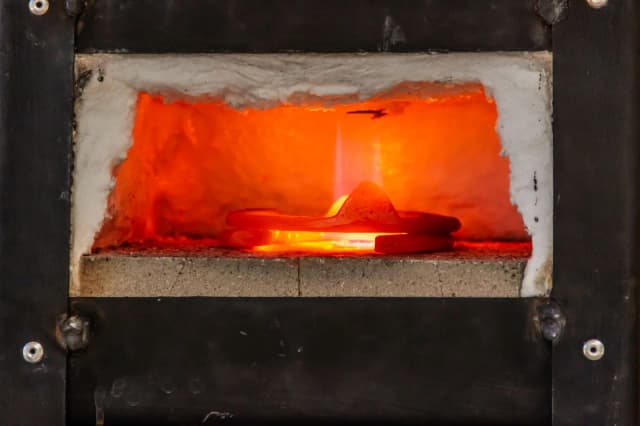
Simulation is a model, and the result depends on the input data: material flow curve, friction coefficient, temperatures, and equipment conditions. Bad data produces a bad prediction. Compare the first simulation with a part already produced and adjust the parameters before trusting the numbers. The calculation requires a suitable computer, and the time grows with the complexity of the geometry; Technosim recommends the hardware specified by the manufacturer.
Simulation also does not eliminate the try-out: it reduces the number of physical cycles. And building the model requires knowing the process, because the software does not replace the process engineer. For you, this means gathering material and process data before the demo and treating the first case as calibration.
When Simufact Forming is not the best choice and what to use instead
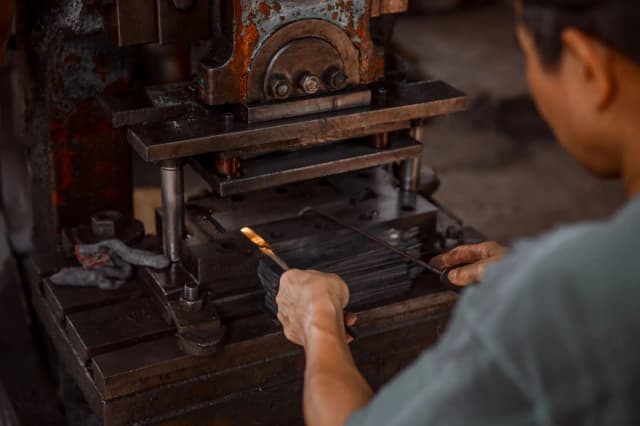
If your problem is only quoting stamped parts, with blank size, strip position, and tooling cost, Forming Suite solves it more directly and faster for the estimating team. It was built for quoting, and full process simulation would be more detail than a quote requires.
If the problem is distortion, residual stress, or cracking in welding, the right product is Simufact Welding. For stamping shops that quote and then need to validate forming, the two software packages complement each other in the MSC One for Manufacture package, which combines Forming Suite with Simufact. Describe the team's routine, and Technosim will recommend the product for the first question you need to answer in your operation.
Simufact Forming implementation in practice

First, Technosim evaluates your process, material, and equipment. Then it defines the license model, which may be MSC One, with tokens, depending on the team's usage.
Installation on the users' computers and training follow, starting from your own parts rather than generic examples: the team builds the model, runs the calculation, and interprets the stress, temperature, and force fields.
The first real project should be a part with a known defect, to compare simulation and production. Support is provided in Brazil, by the team that carried out the implementation. Lead times depend on the scope and the number of users and are included in the proposal, so you know who does each step and what will be delivered in each phase.
How to request a Simufact Forming demo or quote

To request a demo, send Technosim the type of process (hot or cold forging, sheet metal forming, or rolling), the part material, a sample geometry, and the problem you want to solve, such as a fill defect, a lap, or die wear.
The team evaluates the case, tells you whether Simufact Forming is the right tool and, when it makes sense, presents the software applied to one of your parts. The quote depends on the license model, the number of users, and the training. Technosim does not publish prices and prefers to understand the usage first.
With complete material, the initial assessment is more objective, and you receive a recommendation based on a real case, not on a list of features.
Comparison
| Criterion | Simufact Forming | Forming Suite | Simufact Welding | Traditional try-out |
|---|---|---|---|---|
| Focus | Metal forming: forging, stamping, rolling | Quoting and simulation of stamped parts | Welding and joining processes | Physical tool adjustment on the press |
| Main problem | Process defects and tool load | Quoting quickly and with a realistic blank | Distortion, residual stress and weld defects | Discovering flaws only once the tool is ready |
| When it acts | Process and tool design | Quoting and feasibility phase | Welding and clamp design | After machining the tooling |
| Cost of getting it wrong | One simulation file | One estimate redone | One welding scenario redone | Steel, machine hours and lead time |
| When it is not the best choice | If you only need to quote blank and cost, use Forming Suite | If you need detailed physics, use Simufact Forming | If the problem is forming, use Simufact Forming | When tooling is expensive or the delivery deadline is short |
Applications
- Hot forging: cavity fill and press load
- Cold forging: load and wear on dies and punches
- Stamping: wrinkles and tears in sheet metal before the tool
- Rolling: material deformation between the rolls
- Toolroom: inserts without machining everything in tool steel
- Process engineering: preforms and operation sequences
Articles on this topic
Frequently asked questions
What is Simufact Forming?
It is metal forming simulation software. It simulates hot and cold forging, sheet metal forming, and rolling using the finite element method and shows how the material flows, where there are defects, and what load the process requires before production.
Does Simufact Forming simulate forging?
Yes, both hot and cold, with combined thermal and mechanical analysis. You evaluate cavity fill, laps, press load, and tool wear, and compare preforms and blow sequences. Technosim confirms which results the license for your case includes.
Do I need to be a finite element specialist?
No. Pre- and post-processing are on the same platform, with manufacturing process terminology. Technosim trains the team using your own parts. Interpreting the results requires knowledge of the process, and your company's process engineer already has it.
Why does the volumetric mesh improve accuracy?
Because the part is treated as a solid and not as a zero-thickness shell. The software evaluates stresses across the entire thickness of the material, which matters in forgings and in sheet metal, where the gradient through the thickness defines the behavior.
Does simulation replace the try-out on the press?
Not entirely. It provides a digital try-out ahead of the physical one, reducing the number of cycles, the risk of rework, and delayed batches. Final validation on the press still happens, but it starts with the tool already corrected at the design stage.
What is the difference between Simufact Forming and Forming Suite?
In short, Forming Suite quotes stamped parts: blank, strip position, feasibility, and tooling cost. Simufact Forming simulates the forming process with more physical detail. Stamping shops can use both, combined in the MSC One for Manufacture commercial package.
What data do I need for the first simulation?
Part and tool geometry, the material with its flow curve, temperatures, friction, and equipment data, such as stroke and speed. If anything is missing, Technosim guides you on how to obtain, measure, or estimate it. Comparing with a part already produced calibrates the model.
How is Simufact Forming licensed?
One option is MSC One, with tokens shared across several simulation software packages. The right model depends on the number of users and how often it is used, and Technosim confirms the license for your case in the quote, along with the training.
How much does Simufact Forming cost?
The price depends on the license model, the number of users, and the training, and Technosim does not publish prices. Send the type of part, the process, and the problem you want to solve, and receive a quote based on your actual usage.
Want to see it in action?
Schedule a demo with a part of yours, in person or online.