
Quoting mistakes on stamped parts: how to avoid them
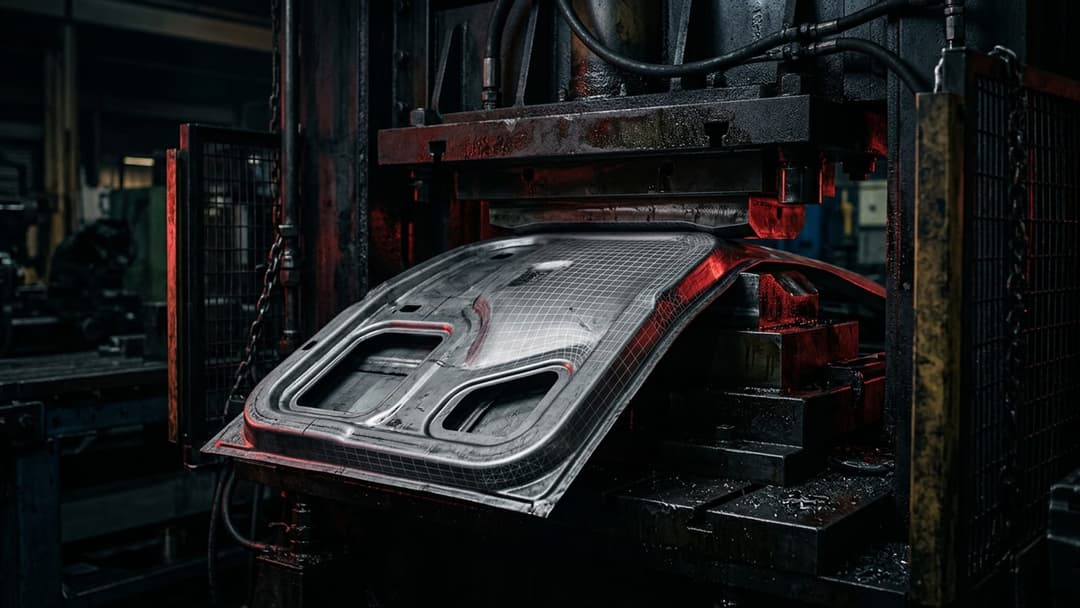
The most common errors in quoting stamped parts come from four sources: a wrongly estimated blank, poorly calculated sheet utilization, underestimated stamping difficulty, and tooling sized by similarity. Forming Suite tackles these sources with data calculated from the geometry rather than estimates from memory.
What are the most common errors in quoting stamped parts?
A stamped part quote combines material, tooling, and process. An error in any of them is multiplied by the batch volume. The most frequent deviations are:
- Blank weight estimated by rule of thumb, without unfolding the part.
- Pitch and strip width defined without studying the blank layout.
- A part considered easy that in practice requires more forming stages or an additional process.
- Tooling cost extrapolated from a similar part that had a different complexity.
- Margin calculated on a cost that does not yet include foreseeable rework.
How does blank and sheet utilization error affect the price?
Raw material weighs heavily in the final cost of a stamped part. If the estimated blank is larger than the real one, the price goes up and the customer may choose another supplier. If it is smaller, the stamping shop sells at a loss on every part, and the error only shows up after the batch's steel has been purchased.
Forming Suite unfolds the blank from the 3D model, that is, it calculates the flat outline that will give rise to the part once formed. It then positions this outline on the sheet or strip, allowing utilization to be evaluated. Changing the blank angle or the strip pitch can reduce scrap. This study also compares laser cutting and die cutting, which have different losses.
How do you avoid underestimating stamping difficulty?
Parts with deep drawing, small radii, or high-strength sheet can rupture or wrinkle. If this only shows up at try-out, the cost comes in the form of extra stages, die rework, and delays. Before quoting, Forming Suite's feasibility simulation (Feasibility) shows how difficult the part is to stamp. It is a quick simulation, designed for the pace of quoting.
If the analysis indicates high risk, the estimator has three paths: quote a process with more operations, propose a geometry change to the customer (for example, increasing a radius), or decline the part. Any of them is better than discovering the problem with the order already closed. When the part justifies a more detailed analysis, incremental simulation validates the forming surface.
How does Forming Suite help estimate tooling?
The software estimates the tooling cost based on the method plan the estimator has in mind, and allows that plan to be exported. This helps in two ways. The quote gets a documented strategy (how many operations, which sequence), and the toolroom can start from that plan in the design. It also prevents the tool cost from being extrapolated from another part by visual similarity.
How do you build a quoting process with fewer errors?
- Always record the material, thickness, and sheet standard before calculating, since a different property changes the simulation result.
- Standardize the sequence: blank, utilization, feasibility, method plan, cost.
- Keep previous quotes together with what happened at try-out. This history calibrates future estimates.
- Compare quoted versus actual at the end of each project and investigate the differences.
- Train more than one person, so that quote quality does not depend on a single professional.
The software does the calculation, but process decisions remain with the estimator. Poor input data produces poor results, whatever the tool. If you are interested in the step-by-step of a complete estimate, read how to estimate stamping cost before production. To understand the software as a whole, see what Forming Suite is.
How does a quoting error show up in practice?
Imagine a deep-drawn part quoted with a two-operation tool. At try-out, the sheet ruptures at the bottom radius and the team realizes three operations would be needed. The tool needs a new station, delivery is delayed, and the order's margin disappears. The extra cost was not in the quote because the difficulty was only seen after the die was built. A feasibility simulation before quoting would have flagged the risk and allowed quoting the correct process or negotiating the radius with the customer.
Frequently asked questions
Does Forming Suite eliminate quoting errors?
It reduces errors related to blank, sheet utilization, and forming difficulty. Input data errors and process decision errors remain possible.
Which error usually costs the most?
It depends on the part, but blank and utilization affect every unit in the batch, so they tend to weigh heavily on high-volume parts.
Does the feasibility simulation replace try-out?
No. It indicates risk before quoting. Tool try-out is still necessary.
Does it work for parts already in production?
Yes, you can recalculate the quote for an existing part and compare it with the actual cost.
Do I need the 3D model?
Yes. If there is only the physical part, the model can be rebuilt through reverse engineering.
How to request a quote or demonstration
Send the 3D model of a stamped part you quoted recently, with material, thickness, batch volume, and the actual value of the material consumed, if you have it. Technosim shows the workflow in Forming Suite and compares it with your current method. If you need the part's CAD, see the reverse engineering service. More content on the blog.