
Label for an irregularly shaped package: how 3D scanning helps
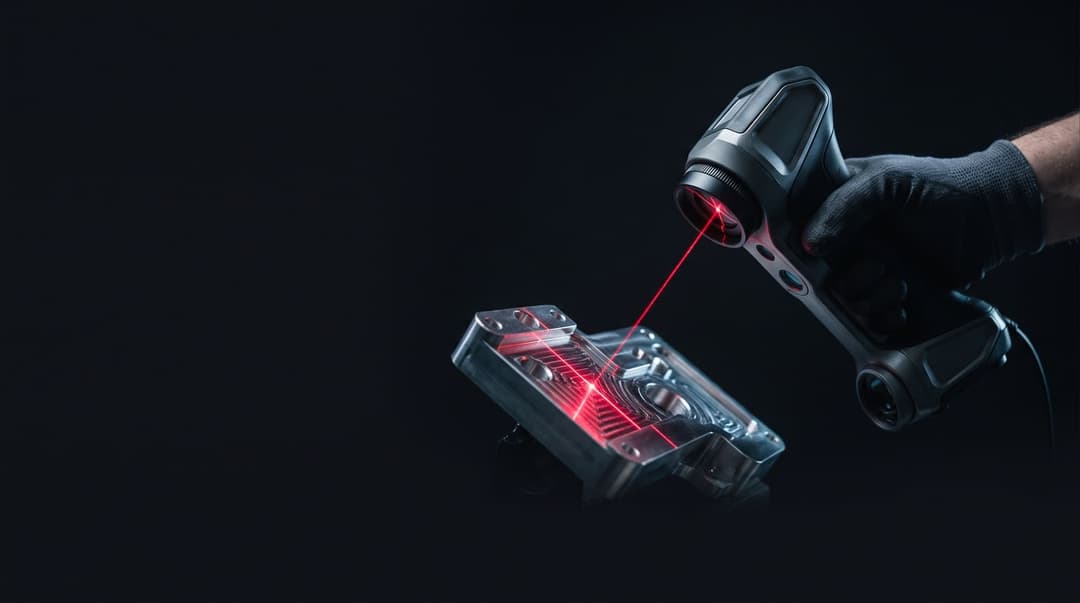
To create the label for an irregularly shaped package, the package is 3D scanned, the area where the label will be applied is isolated on the model and flattened, and the artwork is designed over that flat shape. The result is a label that fits the real curve of the bottle, with no wrinkles or excess.
Why irregular packaging is hard to label
On cylinders, the label is a rectangle. On bottles with double curvature, a shoulder, a waist or angled faces, the surface cannot be flattened without distortion, and a rectangle wrinkles or peels off. Measuring with a ruler and caliper gives approximations that cost rounds of print proofs.
Step by step
- Scanning the actual package (or the blow-molding prototype), with the tenth-of-a-millimeter accuracy that label fit requires.
- 3D surface model and marking of the label area, respecting parting lines, reliefs and the region the labeling machine can reach.
- Flattening: the area is unrolled onto a plane with the least possible stretching, and the outline becomes the label die line.
- Artwork and proof: the artwork is designed over the outline; a printed proof confirms the fit before the print run.
When the package does not exist yet
If the bottle is under development, the label can be planned on the CAD model, and the 3D printed prototype is used to test application. See the design test with a printed prototype.
Other uses of the same 3D model
The scanned package model is also useful for designing cradles and shipping boxes, checking internal volume and comparing batches from blow-molding suppliers. For mesh processing, see point cloud, mesh and CAD.
Service
Technosim scans the package, models the surface and delivers the flattened area for the artwork. Learn about package label development and the 3D modeling service.