
Outsource Scan to CAD or model in-house: how to decide
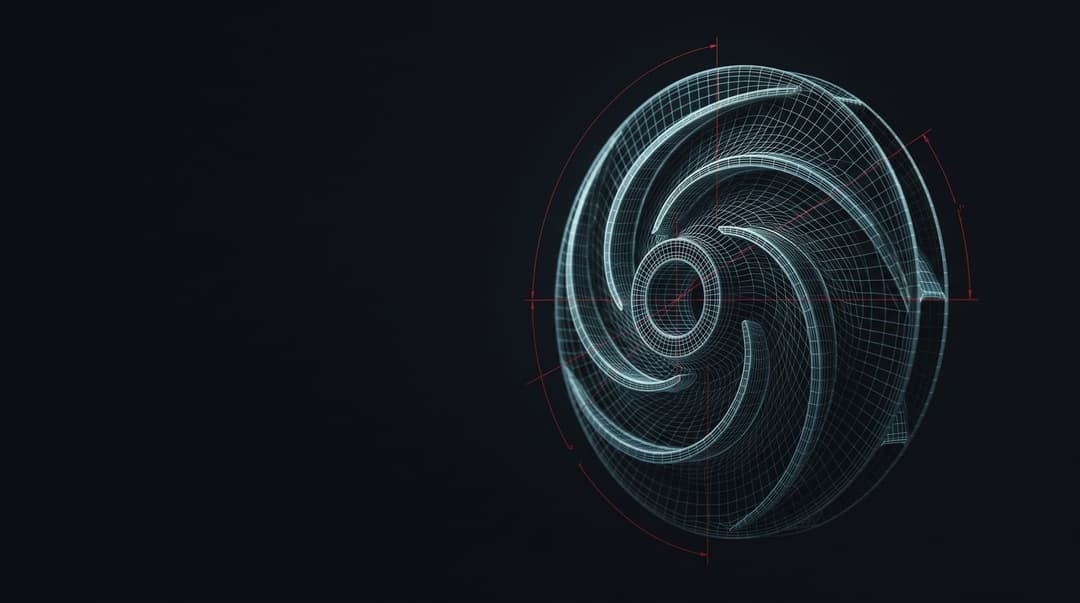
Outsourcing Scan to CAD modeling is worth it when the volume of parts is low or irregular, the deadline is short, and the team does not master the workflow. Doing it in-house is worth it when demand is continuous, the knowledge of the part stays within the company, and the investment in scanner, software, and training pays off. The decision depends on four criteria.
1. Volume and frequency
A few parts per year rarely justify a scanner, a software license and hours of training. Weekly demand or long localization and maintenance projects change the math: the cost per part drops when the operation is in-house.
2. Lead time and urgency
A team that already models every day delivers fast from the very first part. A new team spends weeks learning to prepare the mesh, extract geometry and control deviation. If the first part is urgent, outsourcing while the team learns is a common solution.
3. Know-how and confidentiality
Modeling in-house keeps knowledge of the part and the process within the company. When outsourcing, this is protected with a confidentiality agreement and by receiving the model with an editable history, so your team can change it later.
4. Model quality
What matters is the final model: a parametric solid, with design intent, known deviation from the part and exported in your CAD format. Whether in-house or outsourced, require the model's deviation report against the mesh. The workflow is covered in Scan to CAD, from scanner to editable model.
The middle path
Many companies start by outsourcing, learn what to expect from the model and then set up their own operation with Geomagic Design X, a scanner such as the SIMSCAN and the Geomagic Design X course. Others buy only the software and outsource the scanning.
Service
To outsource, see 3D modeling for companies with a scanner and the Scan to CAD service.