
Technosim training
3D Scanner Digitization
From equipment setup to data analysis, with an instructor from start to finish.
Technosim’s 3D scanner course is a 3D digitization training for teams, with an instructor 100% of the time, live online, at your company or at the Technosim office. It covers equipment setup and operation and the analysis of the generated data, so you can digitize parts accurately and send the mesh to reverse engineering or inspection without rescanning.
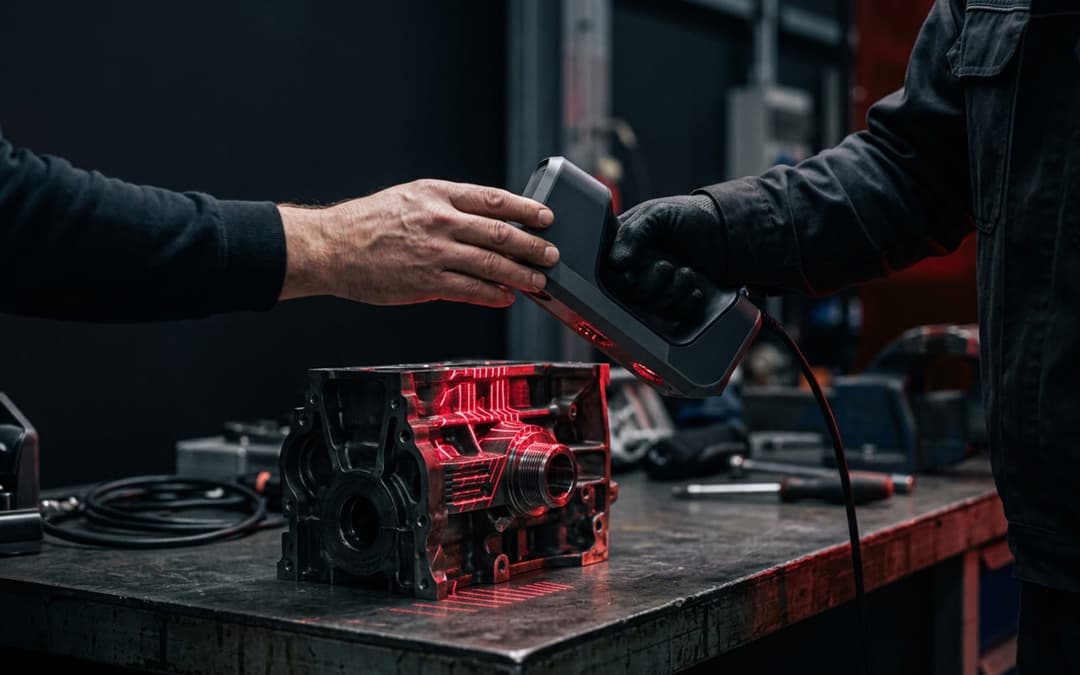
Highlights
From hardware to data
The training spans from scanner configuration and operation to analysis of the generated data.
For measurement and reverse engineering
The trained digitization feeds both inspection and CAD reconstruction.
Focus on real‑world scenarios
Technosim courses work with actual work situations, not just theory.
Instructors with hands‑on experience
The instructors know the software and its daily industrial use.
Three formats
Live online, at your company or at the Technosim office, always with the instructor teaching the whole time.
Integrated with the workflow
The training precedes modeling in Design X and inspection in Control X.
Course or training: how you can learn
Training always has a Technosim instructor teaching 100% of the time, in one of these three formats. Where available, the video course is the option for studying on your own, at your own pace.
Live online training
Lessons by video conference, with the instructor teaching and answering questions on the spot. Available to teams anywhere in Brazil.
Training at your company
The instructor comes to you and teaches in your environment, with your company’s computers, equipment and parts.
Training at the Technosim office
In person at Technosim, in Santo André (SP), so the team can step away from the shop floor and focus on learning.
What you achieve at the end of the 3D scanner course
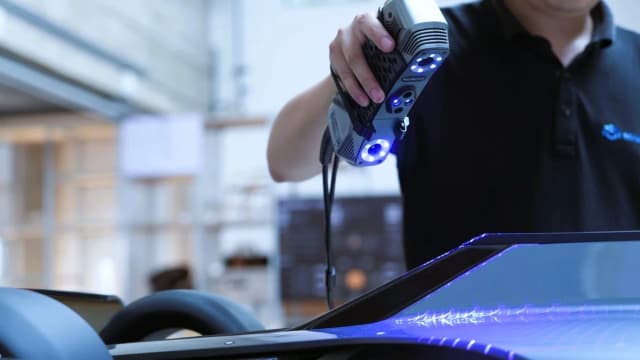
At the end of the training, your team knows how to configure the 3D scanner, use it to digitize parts, and analyze the generated data to obtain a scan with accuracy suitable for measurement or reverse engineering.
Mesh quality determines the cost of everything that follows. Typically, capture issues—such as unscanned regions or noise—only become apparent when someone tries to model the solid or measure the part, requiring a re‑scan. Knowing how to read the data right after capture allows immediate correction.
The impact for the buyer is direct: less re‑scanning, and meshes that flow to Geomagic Design X or Geomagic Control X without preparation rework. The equipment starts delivering reliable data instead of being underutilized.
Who the 3D digitization training is for
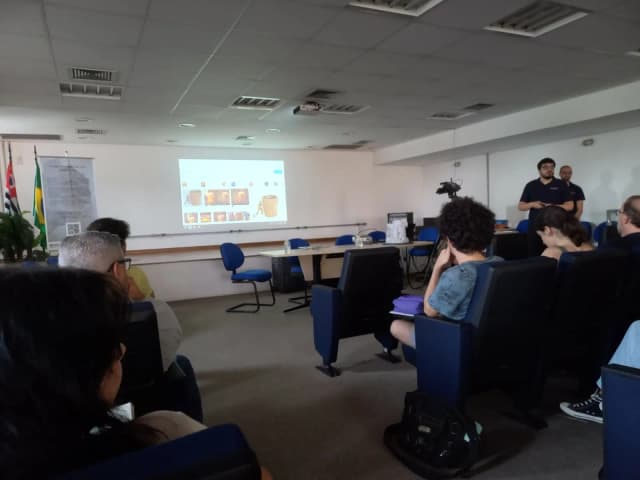
The training serves teams that will operate a 3D scanner: quality staff who digitize parts for inspection, product engineering that needs to capture parts for CAD, tooling shops that scan molds and matrices, and maintenance that replaces parts without drawings.
It also serves companies that have just purchased a scanner and operators who will take over the equipment from the implementer. When knowledge resides in a single person, vacations or turnover halt the process.
If you don’t yet have a scanner, Technosim resells Scantech scanners, including SIMSCAN, NimbleTrack, KSCAN-Magic and 3DeVOK MT, with implementation and support in Brazil. For you, the training is included in the same purchase proposal.
Training curriculum: configuration, operation, and data analysis
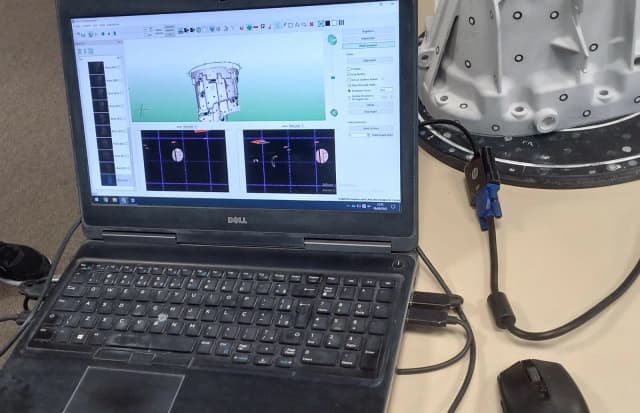
The course content is organized into three main sections.
Setup: getting the equipment ready for operation.
Operation: operating the scanner and capturing the part.
Data Analysis: evaluating the generated scan to determine if it is ready for dimensional inspection or reverse engineering.
Module breakdowns, the use of reference targets, hard-to-scan surface preparation, and course duration are not listed on this page: Technosim confirms the specific scope in the formal proposal, tailored to your team's scanner and part types.
The training is hands-on, led by experienced instructors, and focuses on real-world shop-floor scenarios. For decision-makers, this means bringing the list of parts your company needs to scan and leaving the class with a clear capture strategy defined for each one.
Prerequisites and What to Bring

The training starts from equipment setup, so prior 3D scanning experience is not required. It helps to understand how the mesh will be used—whether for dimensional inspection or reverse engineering—since the downstream application determines the required accuracy.
For hands-on practice, bring your company's scanner, a computer with the manufacturer's software installed, and real-world parts representative of your workflow: a simple part, a freeform shape, and, if applicable, a shiny or dark part, which typically requires extra care.
If you do not own a scanner yet, let Technosim know so we can evaluate which equipment best suits your parts. Training on the selected equipment can be included in the same proposal, preventing you from purchasing hardware only to realize later that your team lacks the skills to operate it.
Training Format and Post-Contract Workflow
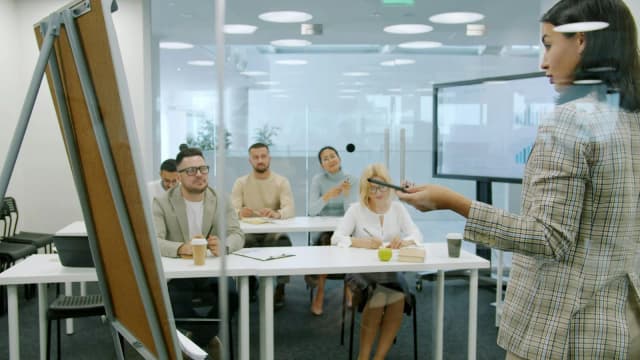
Training is always led by an instructor who teaches 100% of the time. You choose between three formats: live online, by video conference; in person at your company, with your scanner and your parts; or in person at the Technosim office in Santo André (SP). The instructors know how the tools are used in industry and the operational needs of companies.
The process is simple: you request a quote and tell us the scanner, the parts, the number of people and the preferred format. Technosim proposes the date and the workload. After the training, the team applies the capture technique to the company’s parts.
The number of participants and the certificate are defined in the quote, and this page does not promise them. Lead times depend on the scope and are stated in the proposal.
The result for you is training on the equipment the team will actually use, not a generic class about scanners.
When 3D Scanner Training Is Not the Best Fit and What to Choose Instead
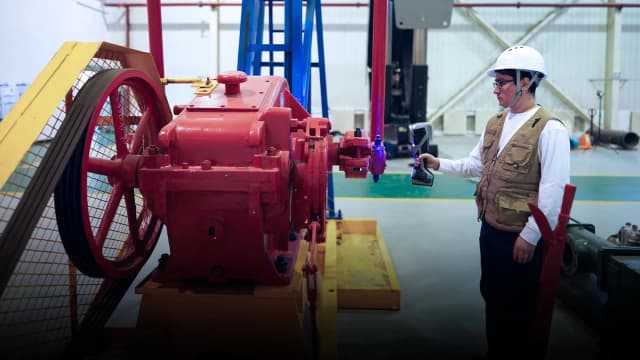
If your goal is to convert mesh data into CAD, the appropriate course is parametric modeling with Geomagic Design X, which covers solid reconstruction. If your objective is dimensional inspection and reporting, Geomagic Control X training is the right choice.
If you only need to scan a small batch of parts and do not plan to operate hardware in-house, outsourcing 3D scanning services to Technosim may be far more cost-effective than training a team.
If you haven't selected your equipment yet, training comes second: first, determine which scanner best fits your applications by consulting with Technosim, a reseller of multiple models. Training is designed for teams that already operate or plan to operate a specific, pre-selected scanner in their daily routine.
3D Scanning as the First Step in the Workflow
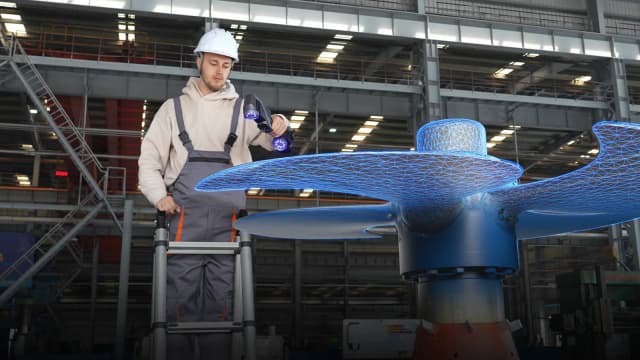
Digitization is the foundation of a three‑step workflow: capture with the scanner, CAD reconstruction in Geomagic Design X, and comparison with the model in Geomagic Control X. An error in one step propagates to the subsequent steps: a distorted mesh produces an incorrect CAD and an inspection report that does not reflect the part.
Therefore, a team that masters capture reduces the risk for the entire workflow. Generally, the choice of scanning strategy depends on part size, geometry, and surface finish, and training helps make that decision with the part in hand.
For those building a complete cell, the logical sequence is digitization, then modeling and inspection, according to each company’s bottleneck.
How to order 3D digitization training
To request a quote, specify the scanner your team uses or plans to use, the number of participants, the part type, and the intended purpose: inspection, reverse engineering, or both. If you have sample parts, describe their size, material, and surface finish.
Technosim will respond with the format, schedule, and duration. The price depends on these items, and Technosim does not publish pricing on this page.
If your team needs equipment, software, and training, Technosim presents everything in the same discussion, including Design X and Control X trainings, so you can purchase in phases. This way the buying decision considers the complete operation, and you can compare the cost of training the team versus outsourcing digitization on a case‑by‑case basis.
Comparison
| Criterion | Technosim team training | Learning on your own | Scanning contracted as a service |
|---|---|---|---|
| Goal | A team that scans independently | Getting started with the equipment | A mesh of a few parts |
| Content | Tailored to your scanner and your parts | Manual, videos and trial and error | No teaching, just delivery of the data |
| Mesh quality | Guided capture strategy and gap reading | Flaws only show up later, in CAD or inspection | Scanned by Technosim |
| Format | With an instructor: live online, at your company or at Technosim | Open, no structure | According to the service deadline |
| In-house expertise | Stays in the company | Stays with whoever studied | Does not stay |
| How to hire | Quote request | Not applicable | Quote request |
Technical specifications
- Delivery mode
- Instructor-led training: live online, at your company or at Technosim
- Format and duration
- Agreed in the quote, according to need
- Equipment
- 3D scanners resold by Technosim
Applications
- Quality: digitizing parts for inspection
- Product engineering: capturing parts for CAD
- Tool shops: digitizing molds and dies
- Maintenance: reproducing parts without drawings
- Companies with newly acquired scanners
- Operators taking over equipment from the implementer
Frequently asked questions
Is the training conducted with my scanner?
It can be combined, and that is the most useful format because the team practices on the equipment they will use. The training covers equipment setup and operation, and Technosim confirms in the proposal which scanner is included, based on your company’s scanner. Provide the model and typical parts when requesting the quote.
What is the training duration?
The duration is not listed on this page, and Technosim does not promise it before learning about your team. It is defined in the proposal, according to the scanner, number of participants, team skill level, and parts to be digitized.
How much does 3D digitization training cost?
Technosim does not publish pricing. The cost depends on the number of participants, the training duration, and the agreed format, and is included in the quote. Send the scanner model, part type, and participant count to receive a detailed proposal.
Do you train on scanners from other brands?
The page does not specify which brands are covered in the training. Technosim resells Scantech scanners. If your equipment is from another manufacturer, provide the model, and Technosim will confirm whether the training meets your case before you commit.
Does the training teach how to use reference markers?
The detailed curriculum, including the use of reference markers, is not listed on this page, and Technosim does not guarantee it without confirmation. Ask Technosim in your request, and the proposal will specify what will be taught, based on the scanner and your team’s parts.
Do I need prior experience with a 3D scanner?
No. The training starts with equipment setup and operation and proceeds to data analysis. New operators and experienced scanners can both attend, and Technosim tailors the content to the team’s level without repeating material they already master.
What to do with the mesh after scanning?
The mesh goes to reverse engineering or inspection. In reverse engineering, Geomagic Design X converts it into solid, editable CAD. In inspection, Geomagic Control X compares the mesh with the model and generates dimensional reports.
Can I combine it with the Design X and Control X courses?
Yes. Technosim offers all three trainings, and the sequence depends on the bottleneck: digitization comes first when capture still generates rework, and modeling or inspection follow thereafter. The proposal can include all three, in stages.
Is it worthwhile for someone who hasn't purchased the scanner yet?
It serves as part of the purchase decision. Technosim assesses the equipment suitable for your parts and includes the training in the proposal, so the team can start operating autonomously from equipment delivery. Timelines depend on scope and are listed in the quote.
Want to see it in action?
Schedule a demo with a part of yours, in person or online.