
Technosim training
Reverse Engineering in SolidWorks with Geomagic for SolidWorks
Learn to turn a 3D scanner mesh into a part, a cavity and a 2D drawing without leaving SolidWorks.
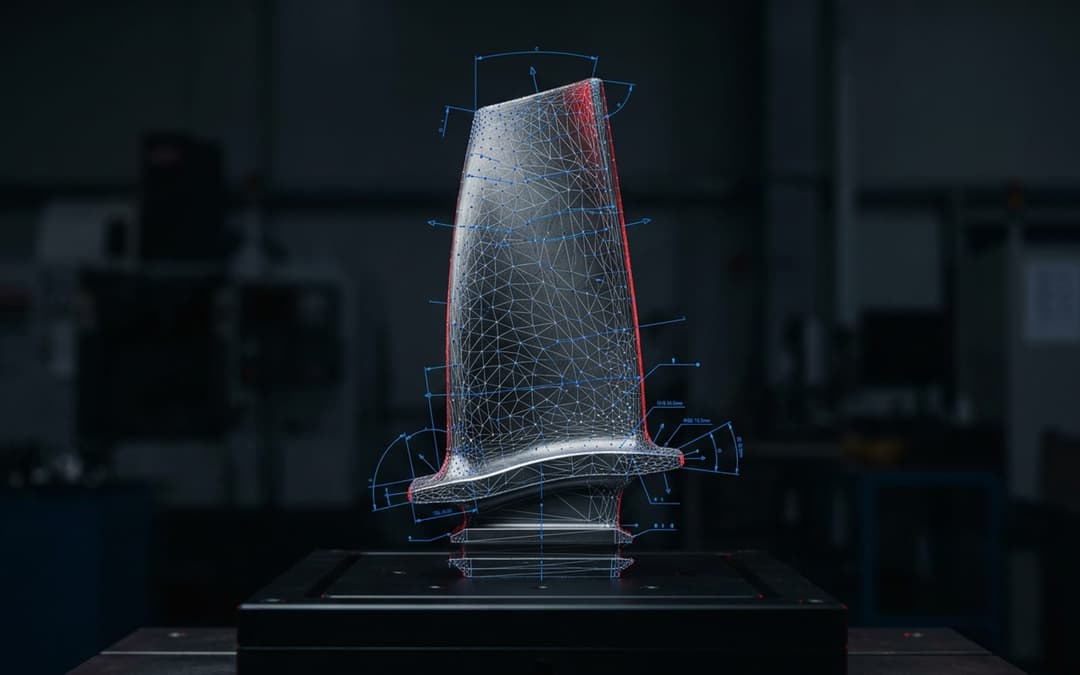
Technosim’s Geomagic for SolidWorks course is reverse engineering training for people who already design in SolidWorks. With an instructor teaching 100% of the time, live online, at your company or at the Technosim office, your team learns to import and prepare the 3D scanner mesh, align the part, extract the geometry, build the solid with native features and check the deviation in real time.
Highlights
No change of CAD
Reverse engineering happens in the SolidWorks your team already knows: the same commands, the same feature tree and the same 2D drawing.
From scan to parametric solid
Mesh preparation, alignment, extraction of planes and cylinders, sketches from sections and feature building.
Deviation checked in real time
You compare the surface you create with the mesh and correct it wherever the deviation exceeds the part’s tolerance.
Cavity and 2D drawing
The model becomes the basis for a mold cavity and for the technical drawing for machining and inspection, right in SolidWorks.
With your parts
Practice can use real meshes and parts from your company, which shortens the path to the first model delivered.
Instructor the whole time
Live online, at your company or at Technosim, always with the instructor teaching and answering questions on the spot.
Course or training: how you can learn
Training always has a Technosim instructor teaching 100% of the time, in one of these three formats. Where available, the video course is the option for studying on your own, at your own pace.
Live online training
Lessons by video conference, with the instructor teaching and answering questions on the spot. Available to teams anywhere in Brazil.
Training at your company
The instructor comes to you and teaches in your environment, with your company’s computers, equipment and parts.
Training at the Technosim office
In person at Technosim, in Santo André (SP), so the team can step away from the shop floor and focus on learning.
What you can do at the end of the Geomagic for SolidWorks course
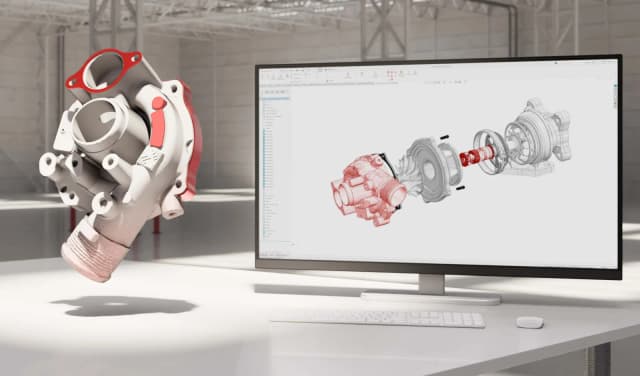
By the end of the training, you import a 3D scanner mesh into SolidWorks, clean and align the data, extract planes, cylinders and sections from the mesh, and build the part as a parametric solid, with extrusions, revolves, cuts and fillets recorded in the feature tree. Then you check the deviation against the mesh and create the 2D drawing or the basis for the cavity.
The difference from measuring with calipers and redrawing is the reference. Instead of isolated dimensions, you model on top of the real geometry of the whole part. Freeform shapes, variable fillets and surfaces that take hours of manual measurement are read straight from the mesh.
For the company, the result is turning the SolidWorks it has already paid for into a reverse engineering tool. Designers who already know the software start producing models from real parts, without the learning curve of another CAD system.
Who the SolidWorks reverse engineering training is for
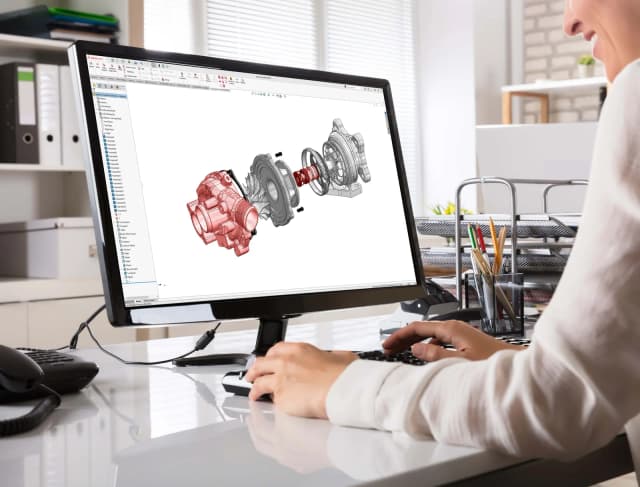
The course is for designers, product engineers, toolmakers and maintenance teams who already model in SolidWorks and receive parts without drawings to reproduce, adapt or use as the basis for molds and dies.
It also suits companies that have bought, or are about to buy, the Geomagic for SolidWorks add-in and want the license to start paying off quickly, and teams that already own a 3D scanner but still model by measuring by hand because they do not know how to make use of the mesh.
If reverse engineering is the main activity and the result goes to several CAD systems, the right path is the Geomagic Design X course or training. This training is for those who do reverse engineering as part of design work, inside SolidWorks.
Training program: from scan to 2D drawing
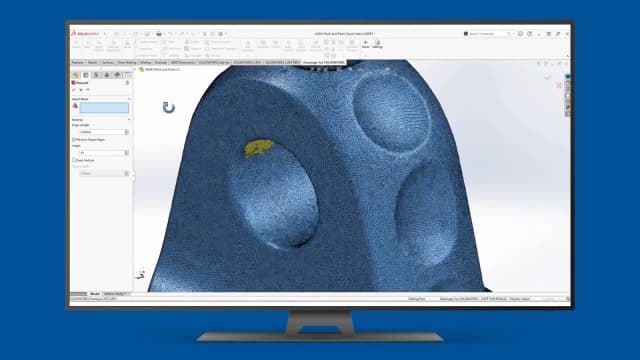
The content follows the order of real reverse engineering work in SolidWorks.
Mesh preparation: import the scanner file, remove noise and stray points, fix small defects and reduce the density of heavy files.
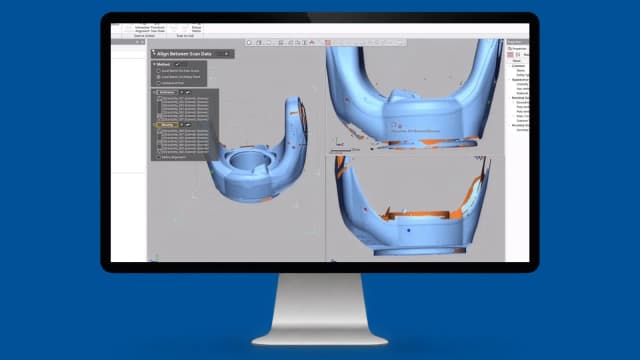
Alignment: place the mesh in a coordinate system consistent with the part, based on datum planes and hole axes, so that views, sections and the drawing come out on the right axis.
Geometry extraction: recognize planes, cylinders and other surfaces in the mesh and create sketches from sections, which serve as references for the features.
Parametric modeling: build the solid with extrude, revolve, cut, fillet and the other native commands, with design intent, not just copying the shape.
Freeform surfaces: handle organic regions that cannot be solved with prismatic features.
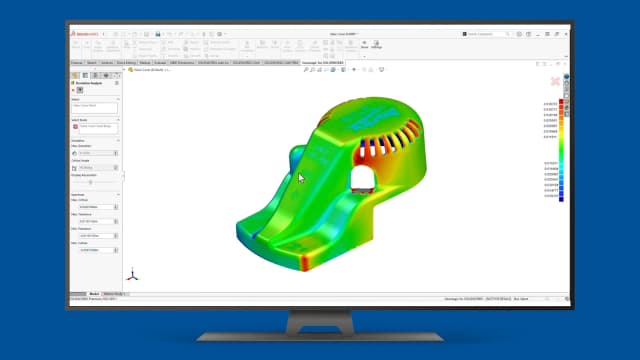
Verification: compare the model with the mesh on a deviation map and correct it wherever the tolerance is not met.
Delivery: create the 2D drawing and prepare the model for the cavity, machining or inspection.
The workload and the depth of each block are adjusted in the proposal, according to the team’s level and the parts it needs to rebuild.
Prerequisites and what to bring
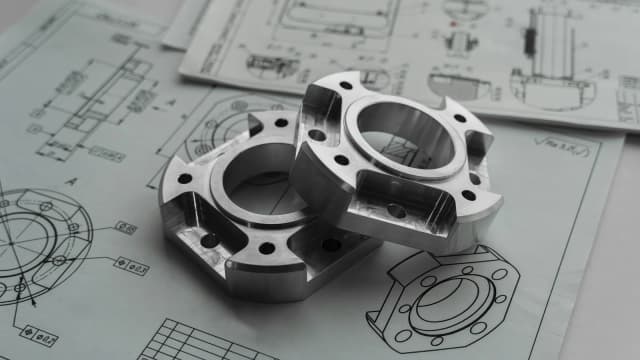
The training assumes participants already model in SolidWorks: sketches, features and basic assemblies. It does not teach SolidWorks from scratch, but reverse engineering inside it. Knowledge of technical drawing and tolerances helps, because the end goal is a part that can be manufactured.
For practice, you need a computer with SolidWorks and Geomagic for SolidWorks installed. If your company does not have the add-in license yet, Technosim resells and deploys it and can include the training in the same proposal. For training at the Technosim office, the practice environment is agreed in the proposal.
If you have them, bring real meshes: a simple prismatic part, one with important holes and alignments, and a freeform one. Training with what the company actually produces shortens the path from the class to the first model delivered.
Formats: live online, at your company or at Technosim
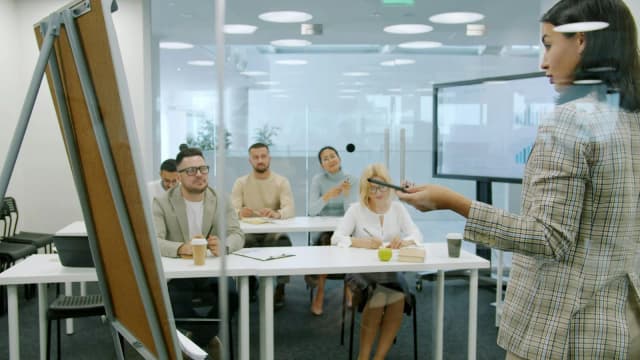
Training is always led by an instructor who teaches 100% of the time, and you choose the format.
Live online: lessons by video conference, with the instructor teaching and answering questions on the spot. Available to teams anywhere in Brazil.
At your company: the instructor comes to you and teaches in your environment, with the company’s computers, licenses and parts.
At the Technosim office: in Santo André (SP), for those who prefer to step away from the shop floor and focus on learning.
In your quote request, tell us the format, the number of people and the SolidWorks version in use. Technosim proposes the date and the workload.
Mistakes the training teaches you to avoid
The most expensive mistake is modeling before aligning. Without a coordinate system taken from the part’s physical references, views come out tilted, sections are off-axis and the 2D drawing inherits the problem.
The second is copying wear. The mesh shows the part as it is, with dents, warping and wear. The training teaches you to decide beforehand whether the goal is to reproduce the current condition or recover the nominal geometry, and to round dimensions sensibly.
The third is turning noise into geometry. Ripples from a poor capture become fillets and planes the part does not have. You learn to clean the mesh and to recognize when the right move is to scan again.
The fourth is delivering without checking. Every model leaves with its deviation verified against the mesh and the accepted limit recorded, so the manufactured part works in the assembly.
Geomagic for SolidWorks course or Geomagic Design X: which to choose
Both do reverse engineering, but they suit different routines. Geomagic for SolidWorks works inside SolidWorks and makes use of the commands, feature tree and 2D drawing your team already uses. It is the best choice when reverse engineering is part of design work and everything ends up in SolidWorks.
Geomagic Design X is standalone software, with its own extraction tools and output to SolidWorks, NX, Inventor, CATIA and others. It is the best choice when reverse engineering is frequent, the volume is high or the result goes to more than one CAD system. For it, Technosim offers the video course on Hotmart and instructor-led training.
If you need to measure the manufactured part and issue a report, the right training is Geomagic Control X. And if your team still produces poor meshes, start with the 3D scanner digitization training. Technosim helps you plan the sequence according to your bottleneck.
How to book the Geomagic for SolidWorks training

To request a quote, tell us the number of people, the format (live online, at your company or at Technosim), the SolidWorks version, whether your company already has the Geomagic for SolidWorks license, the scanner used and the types of parts you need to rebuild.
Technosim replies with a proposal for the content, date and workload. The price depends on these items, so it is not published on this page.
If your company needs the complete package, Technosim presents the scanner, the add-in license, deployment and training in the same conversation, with support in Brazil and a team that has done reverse engineering since 1998.
Comparison
| Criterion | Technosim instructor-led training | Learning on your own | Reverse engineering contracted as a service |
|---|---|---|---|
| Goal | A team that does reverse engineering independently inside SolidWorks | Getting started with the add-in | CAD of one or a few parts |
| Content | From scan to 2D drawing, tailored to your parts | Tutorials and trial and error | No teaching, just delivery of the model |
| Alignment and deviation | Guided by the instructor, with practice | Errors that are hard to notice until assembly | Done by Technosim |
| Format | Live online, at your company or at Technosim | On your own | According to the service deadline |
| In-house expertise | Stays in the company | Stays with whoever studied | Does not stay |
| When to choose | Recurring reverse engineering in the design team | Rare use, no deadline | One-off demand, no team to train |
Technical specifications
- Format
- Instructor-led training: live online, at your company or at Technosim
- Software
- Geomagic for SolidWorks (Hexagon), a SolidWorks add-in
- Prerequisite
- Knowing how to model in SolidWorks: sketches and basic features
- Format and workload
- Defined in the proposal, according to the team and the parts
- Video course
- Not available: this content is offered only as instructor-led training
- Instructors
- A team that has done reverse engineering since 1998
Applications
- Rebuilding spare parts without drawings directly in SolidWorks
- Creating the cavity basis for molds and dies from the real part
- Producing 2D drawings of undocumented parts for machining
- Designing accessories and adaptations that fit existing parts
- Retrofitting machines and equipment with components that have no design files
- Updating the CAD of tools changed by adjustments and rework
Frequently asked questions
What is the Geomagic for SolidWorks course?
It is Technosim’s training for doing reverse engineering inside SolidWorks with the Geomagic for SolidWorks add-in. You learn to go from the 3D scanner mesh to the parametric solid, the cavity and the 2D drawing, with an instructor teaching 100% of the time.
Is the training online or in person?
Both. You choose between live online by video conference, in person at your company or in person at the Technosim office in Santo André (SP). In all three formats, the instructor teaches the whole time.
Is there a video course for Geomagic for SolidWorks?
Not at the moment. The Hotmart video lessons cover Geomagic Design X. For Geomagic for SolidWorks, Technosim offers instructor-led training, live online or in person.
Do I need to know SolidWorks?
Yes. The training teaches reverse engineering inside SolidWorks, not SolidWorks from scratch. You need to know how to create sketches and basic features. If your team does not use SolidWorks, the alternative is Geomagic Design X, which is standalone.
Do I need a Geomagic for SolidWorks license?
To use what you learned in daily work, yes. Technosim resells the add-in in Brazil and can include the license, deployment and training in the same proposal.
Do I need a 3D scanner?
Not to learn: the training works with 3D scanner meshes. If your company already has a scanner, using your own parts makes the practice more useful. Technosim resells Scantech scanners such as SIMSCAN, NimbleTrack, KSCAN-Magic and 3DeVOK MT.
What are the workload and the price?
They depend on the number of people, the team’s level, the format and the parts, so they are defined in the proposal. Technosim does not publish prices on this page.
Can I use my company’s parts?
That can be arranged, and it is the most useful option. Describe the parts or send the meshes when you request a quote, and Technosim confirms in the proposal how they will be used in practice.
What is the difference between this course and the Geomagic Design X one?
This training teaches reverse engineering inside SolidWorks. The Design X one teaches standalone software with output to several CAD systems, and it is available as a video course on Hotmart and as instructor-led training. The choice depends on your team’s CAD and how much reverse engineering you do.
Want to see it in action?
Schedule a demo with a part of yours, in person or online.